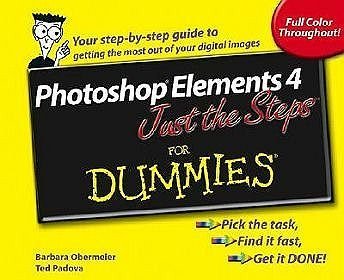
Photoshop Elements 4 Just the Steps for Dummies
Opis
Just the steps you need to enhance, repair, and share your photos
Simple steps...
...for great results
Fill a Selection with the Paint Bucket Tool
- Select the Paint Bucket tool from the Tools palette.
- Specify your options on the Options bar. Tolerance specifies how similar in color a pixel must be before it is selected and filled. The lower the value, the more similar the color must be.
- Click the area you want to select and fill. If things go awry, choose Edit?Undo and try again. In the figure, we put our fill on a separate layer and set the Blend mode to Color so the tones of the apple show through the color.
The Paint Bucket tool makes a selection based on tolerance (similarly colored pixels) and fills that selection with a color and pattern. Reserve this tool for images with a limited number of colors.
Get ready to
- Organize and find images quickly
- Fix photos with just a few clicks of the mouse
- Print professional-looking photos
- Correct color, contrast, and clarity
- Create slideshows to share with family and friends
- Layer images for artistic effects
Note: CD-ROM/DVD and other supplementary materials are not included as part of eBook file.